Close with clarity
Show a version of the idea on the body and answer placement questions before they become objections.
Show how the tattoo can look on a client's body before the session. A visual conversation makes size, placement, and direction clearer and helps clients decide with confidence.
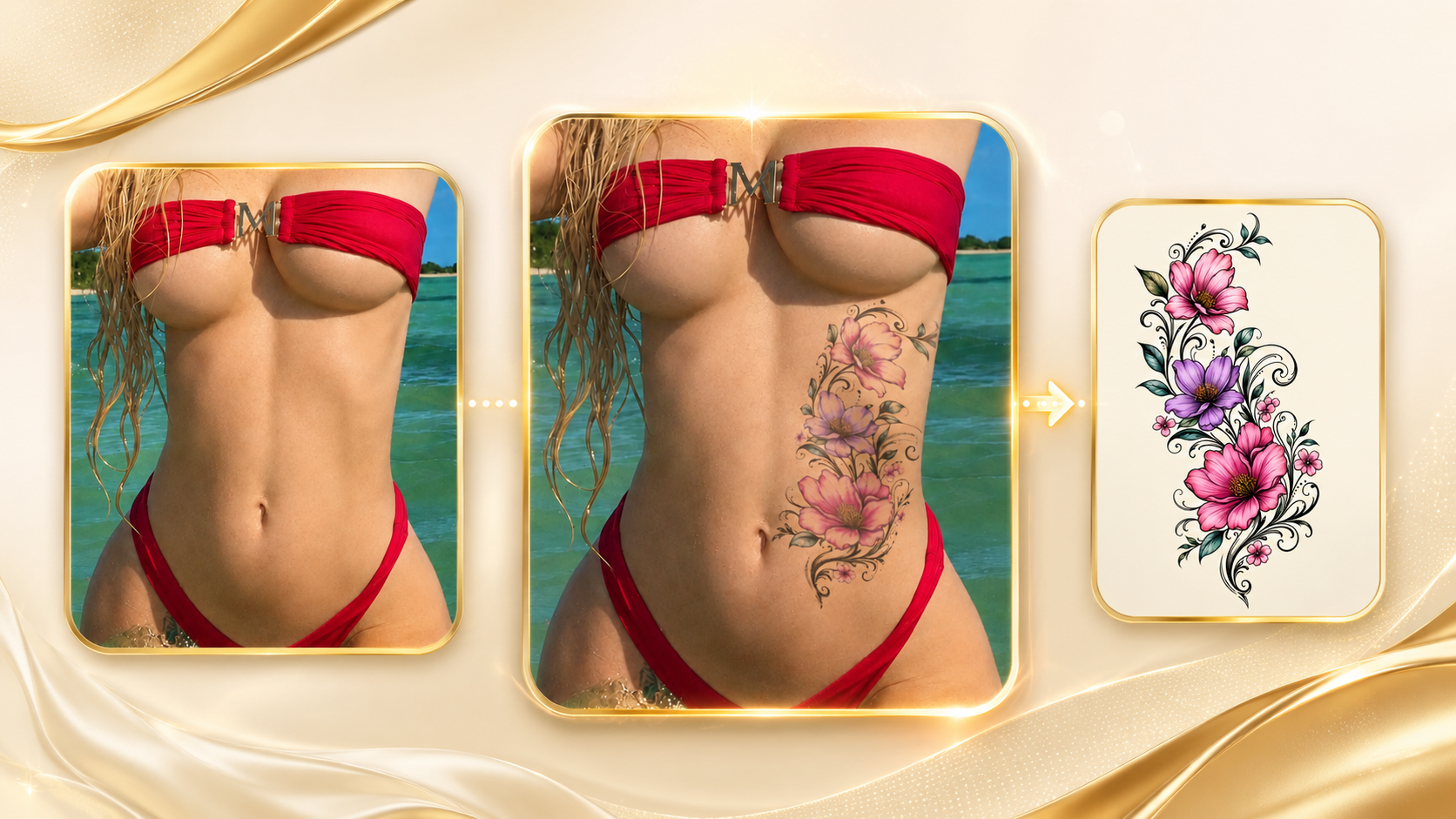
Use a preview to turn a loose brief into a visual reference that you and your client can understand together.
Show a version of the idea on the body and answer placement questions before they become objections.
Make the consultation visual, structured, and more memorable for every client.
Compare directions, scale, and body areas before investing time in the final custom artwork.
Download the preview to send with the quote and keep the conversation alive after the consultation.
Use your design, a client reference, or generate an initial direction with AI.
Use a clear photo of the body area the client wants to tattoo.
Choose the body area and position the artwork at a scale that makes sense.
Show the preview, align expectations, and guide the client toward booking.
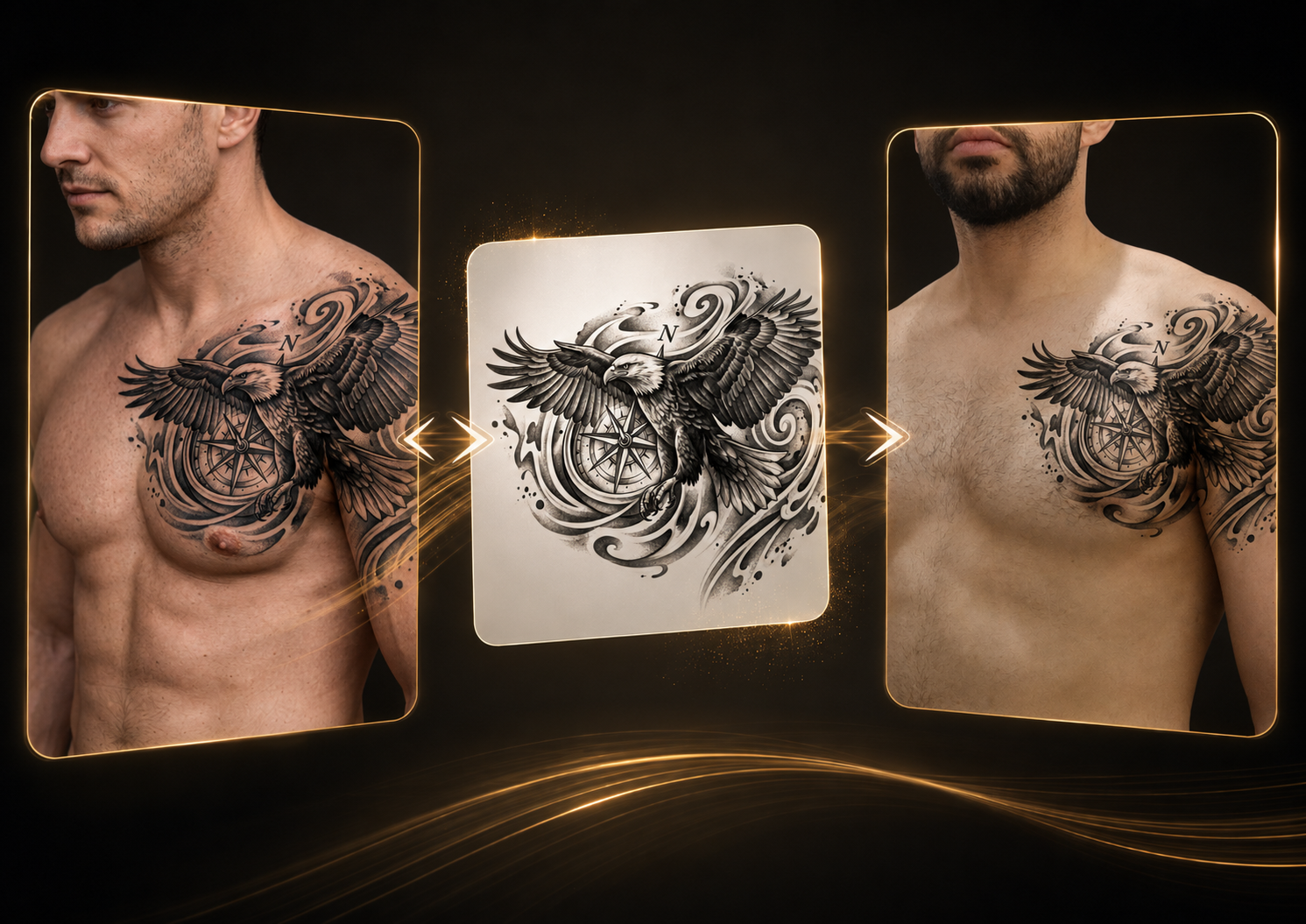
Use copy mode to extract artwork from a photo, rebuild hidden areas, and bring a cleaner design into the preview.
Try with a reference →The result is a visualization tool. Your artistic decision-making, skin adaptation, and final execution remain central to your professional work.
Yes. Upload finished artwork and use the preview to discuss size and placement with the client.
Yes. Use it as a reference or use copy mode to extract the tattoo and create a cleaner starting point for the preview.
No. It helps align expectation and composition. You should adapt the final artwork for skin, technique, and the project.
You can run the preview in the consultation. An account keeps credits, saves the flow, and lets you continue later.
Create your account and test a preview in your next consultation.
Start for tattoo artists →